Lore
Written By David (F&F Dev)
Last updated About 1 year ago
Use World Lore for storing any information about a World that doesn’t fit into the existing structured entities like Characters, Races, Items, etc. This can contain things such as background history, political organizations, culturual elements and more.
Creating and Editing a Page
To create a Lore Page, click on create Page from the sidebar:
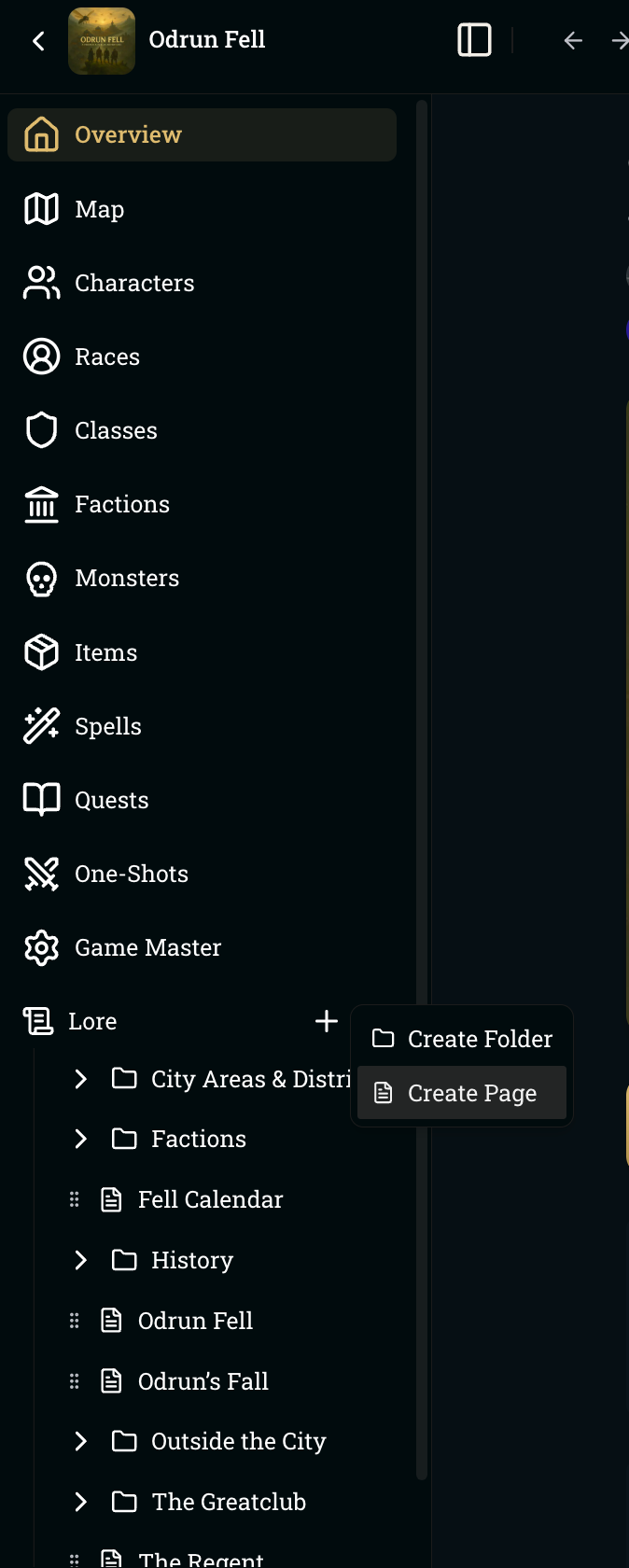
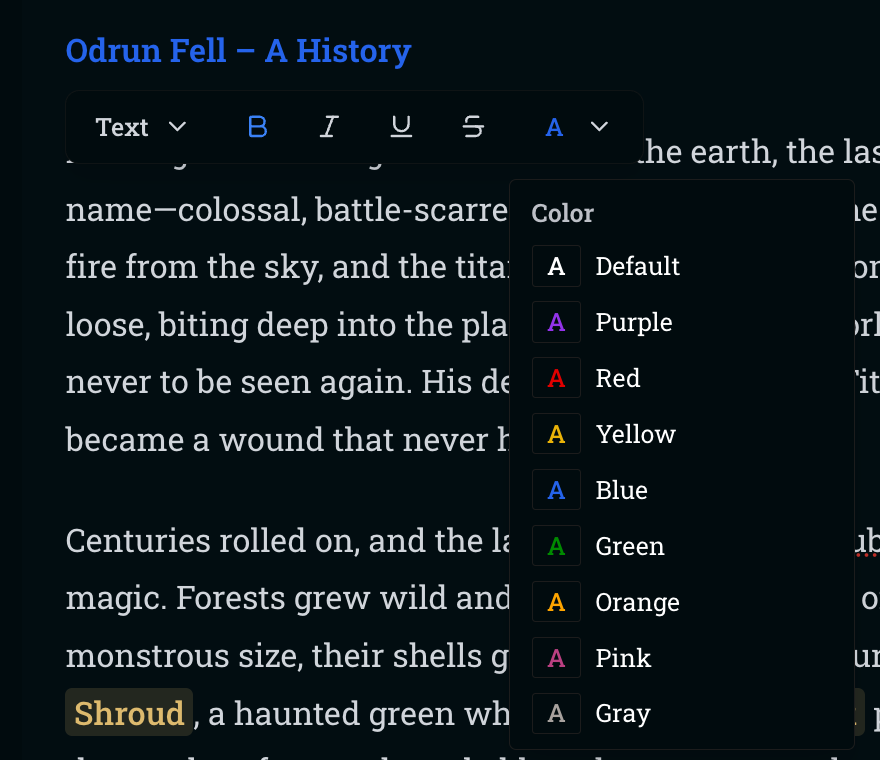
Within a page, you can use the slash command / to see available options for formatting such as headings and images. You can also highlight text for other formatting options.
Best Practices
During campaigns, the AI will be able to research the Lore to find appropriate information when forming its responses. It does so by having access to all the folder titles, page titles, and page headings within a page and then choosing pages and page sections to read. Therefore, it’s important to have good descriptive page titles and page sections denoted by headings to assist the AI in finding relevant information.
Here’s a snippet example of what the AI sees for Odrun Fell’s Lore:
## Available Lore Pages

The following lore pages are available for this campaign. [F] denotes folders, [P] denotes pages, list items are headings within the page:

* [F] City Areas & Districts
    * [P] The Barrows
        * The Reach
        * The Slough
        * The Dome
        * Gnarlgut Hall
        * Skelk’s Hollow
        * Cradle of Hooks
    * [P] The Hilt
        * The Gate of Tines
        * The Burrowlight Hearth
        * The Emberhook Hall
        * Eurven’s Forge
        * The Hookline Gantry
        * The Dregvault
        * The Varlas Breeder’s Archive
        * The Threadspire Archive
Was this helpful?