Creating a Feat
Written By Pollution
Last updated 11 months ago
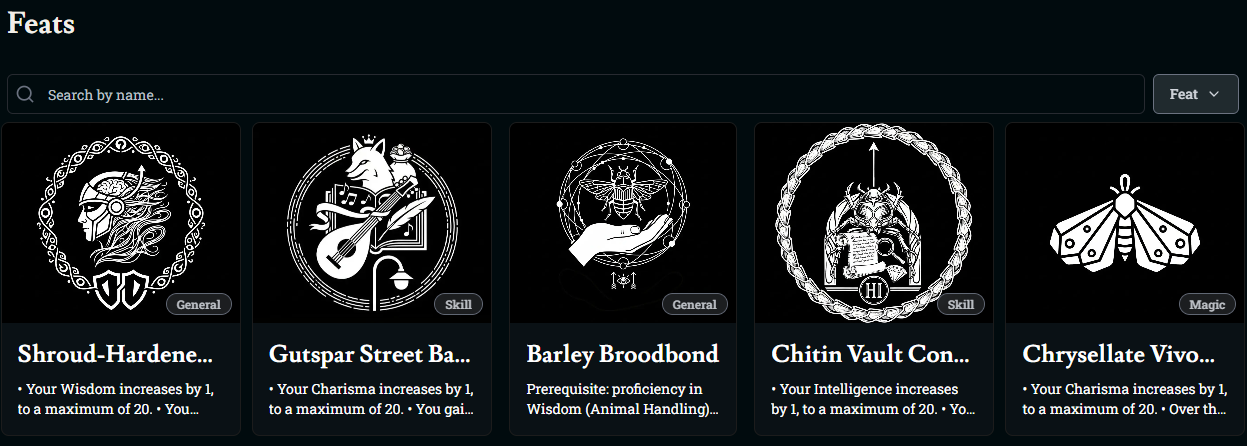
Creating and Editing Feats in Friends & Fables
Feats are extra perks you can give to characters on top of their class features and subclasses. Friends & Fables now supports both SRD feats and your own homebrew feats across worlds, campaigns, and the workshop.
Opening the Feats Tab
From your world (or campaign) sidebar, click Feats.
Here you’ll see either a grid of existing feats or a message saying there are no feats in this world yet, along with a Create Feat button.
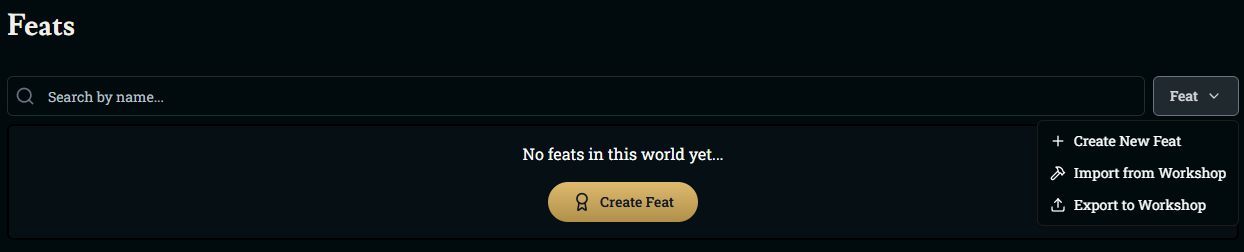
From the dropdown next to the Feat filter, you can also:
Create New Feat
Import from Workshop
Export to Workshop
Creating a New Feat
Click Create Feat (or Create New Feat from the dropdown).
At the top of the form, you can choose how you want to build it:
Generate With AI – Give Franz a short prompt (for example, “social feat for a famous hero”) and he’ll suggest a name, description, and art
Upload – Upload your own feat icon
Generate – Use AI just for the image
Under Basic Information, fill in:
Feat Name – What the feat is called
Description – What the feat does and what benefit it gives to the character
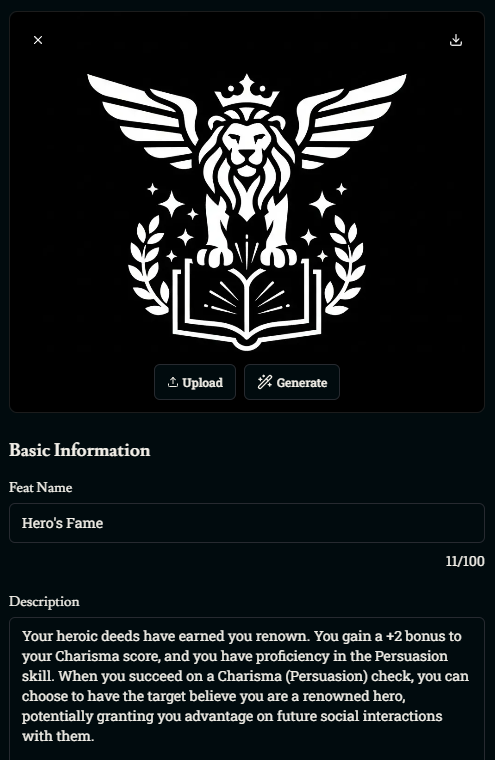
You can freely edit the name, art, and description after generating—treat the AI output as a starting point, not a final draft.
Optional Details & Prerequisites
Scroll down to Optional Details to fine-tune how the feat is presented:
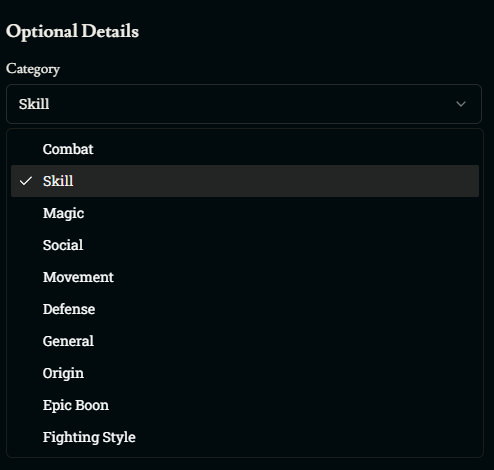
Category – Choose what type of feat this is (Combat, Skill, Magic, Social, Movement, Defense, General, Origin, Epic Boon, Fighting Style, etc.)
Under Prerequisites & Benefits, you can set:
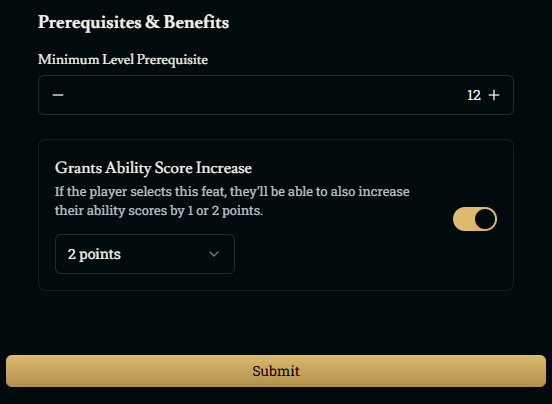
Minimum Level Prerequisite – The minimum character level required to take this feat.
If you set a level here, the feat won’t appear in a character’s list of selectable feats until they reach that level.
Grants Ability Score Increase – Toggle this on if the feat increases an ability score.
Choose whether it grants 1 point or 2 points of ability score increases when selected.
When you’re happy with everything, click Submit to save.
Was this helpful?