A World Builder's Guide on Quest Building
Written By Pollution
Last updated 11 months ago
What are Quests?
Quests are structured storylines created by world builders that players can experience within their game. Each quest is made up of steps that include scenes, objectives, or events set up by the world builder. Each scene can have 1-4 branching paths that follow the player's decisions, skill checks, or triggered events. These paths take players from one step to another, sometimes featuring new locations or updates to the current location. Franz, the AI GM, is able to run these quests smoothly and even generate new quests during a playthrough for sandbox-style campaigns.
Quests
Building a One-Shot
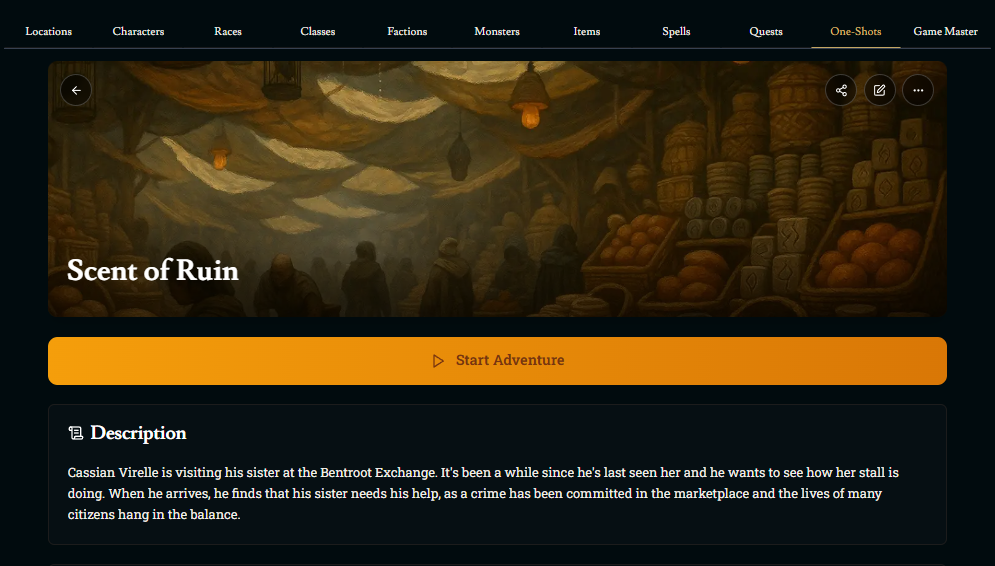
One-shots are adventures where players step into a preset cast of characters, each tailored to serve a unique role in the story. One-shots allow players who discover a world an easy way to experience it in a way it's supposed to be experienced. For world builders, one-shots offer a powerful way to feature stories and characters directly. Players who start off a game playing in a one-shot are choosing to be on a quest the moment they load up the game.
One-Shot Description, Tags, and Location
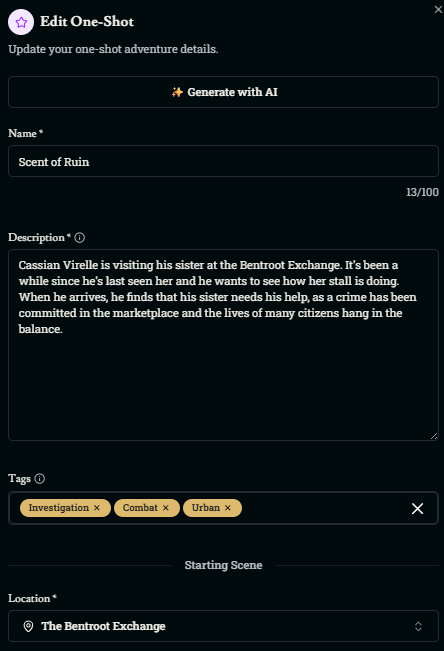
One-Shot Description
Players see this before choosing your one-shot.
Use it to:
Briefly explain your world.
Tease the story of the one-shot.
Introduce playable characters.
This is for players only, Franz (the AI) does not read this.
One-Shot Tags
You can add up to 3 tags to describe your one-shot (e.g., investigation, combat, mystery).
Tags help players find a one-shot that fits their interests.
One-Shot Location
Choose where the one-shot starts (any point of interest).
Could be a tavern, jail cell, throne room, or anywhere you want!
Make sure your starting message sets the scene and makes the location feel important.
Cover and Card Images
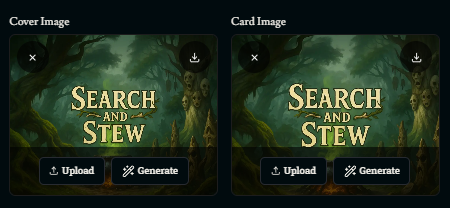
Cover and Card Images
You can upload a cover image and a card image to represent your one-shot.
These appear in the game menu to help your one-shot stand out.
Be creative and eye-catching because good art helps players notice you!
Starting Scene Characters
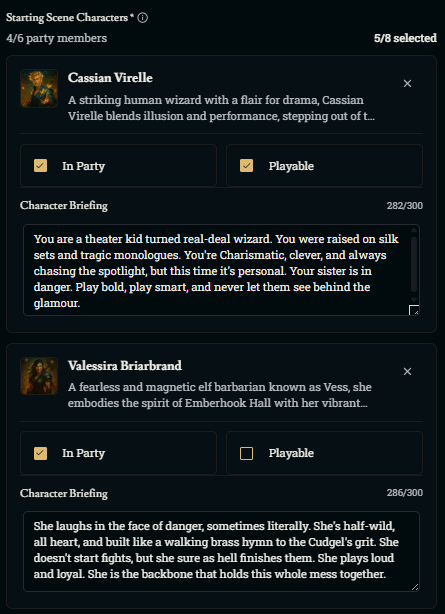
Starting Scene Characters
You can add up to 8 NPCs in the first scene.
Up to 6 of those can be party members.
Party members can be:
Playable (the player chooses them).
Non-playable (they’re locked in the party).
Some one-shots may require the player to control a specific character (this could be intentional for story reasons).
Character Briefing
Each playable character can have a brief description (300 characters max).
Use this to:
Help the player understand who they’re playing.
Set up their backstory, personality, or goals.
Briefings make roleplaying easier and more immersive for players.
Character Positioning
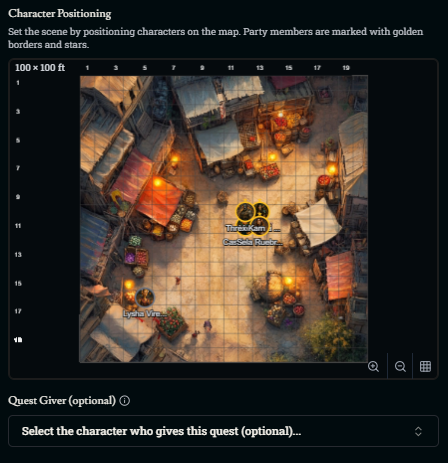
Character Positioning
You can move characters and NPCs around the map of the starting location.
Place party members:
Together, if they’re starting as a group.
Separate, if the starting scene splits them up.
Position NPCs where they belong in the world because this helps players understand the layout when they first load in.
Questgiver
When you’re playing a one-shot, you don’t need a questgiver because players are already on a quest by starting the game this way.
Still, make sure the player character is personally involved in the quest.
Give them a reason to care, so they don’t feel like they can ignore the story.
Briefing
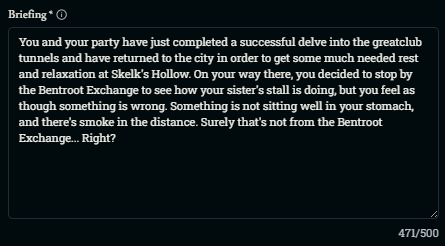
Briefing
This is shown just before the game starts.
It gives the player a quick rundown of what’s happening and what their role is.
This is for players only, Franz (the AI) does not read this.
Starting Message
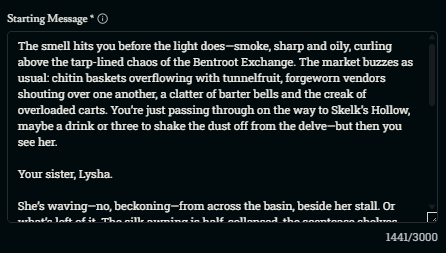
Starting Message
This is the intro scene of the one-shot.
Use it to:
Set the tone of the adventure.
Describe the party’s situation and dynamics.
Help players get into character.
Think of it as the prologue to your one-shot story.
Building a Quest
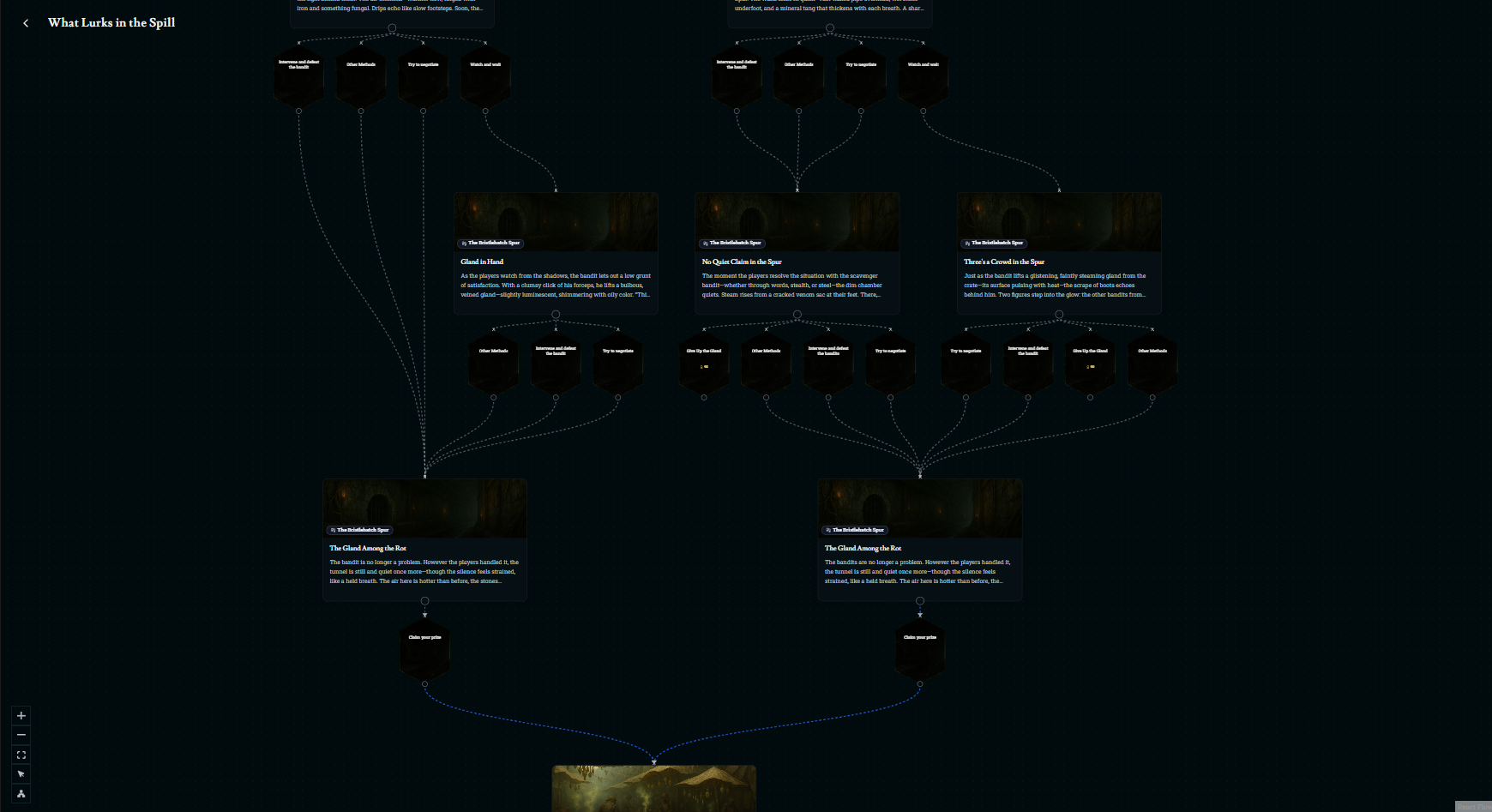
When building a quest, you can always use the in-game AI and just give it some ideas as to what you're looking for. But make sure to keep locations and quest givers in mind when you do this. The AI currently creates very linear quests that don't have paths that branch off into other directions. It's recommended that you should take an active role in the quest writing process if you want to set up a very tailored experience for the players who start a campaign in your world. The following is a guide for quest building that can help you start setting up quests right away.
Quest Description
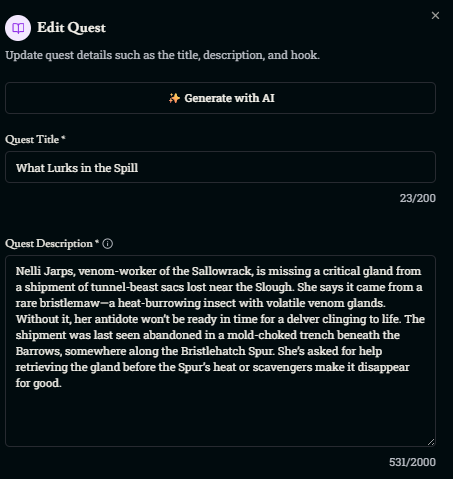
Quest Description
Quest descriptions are viewable on the world’s main page.
This is a short description (up to 2,000 characters) that only players see.
Use it to explain:
What the quest is about.
What kind of challenges or story to expect.
GM Hook Instructions
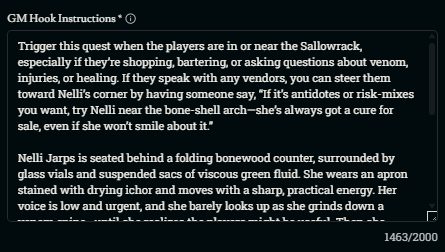
GM Hook Instructions
These are instructions for the AI GM (Franz) to pull players into the quest.
It can be a scene, rumor, sudden event, message, or encounter.
Describe:
Where and how the quest begins.
What the questgiver does or says.
The tone and setting of the moment.
Make sure Franz has everything it needs to hook the player naturally.
Quest Giver
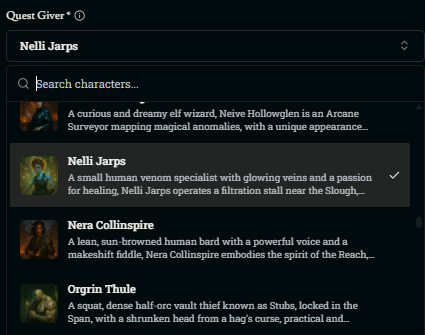
Quest Giver
Choose a quest giver that fits the story.
Build the quest around them if you can.
If no existing NPC fits, create a new one.
Example: A vegetable vendor likely wouldn’t send you to slay a dragon. It’s your job to make a quest believable.
Quest Difficulty, Tags, and Prerequisites
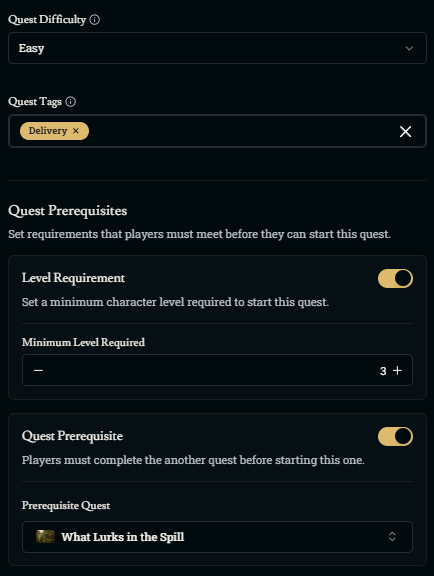
Quest Difficulty
Shows how hard the quest will be:
Easy = delivery, fetch quests.
Hard = dungeons, heists, major combat.
Quest Tags
Tags tell players what kind of quest it is (e.g., combat, investigation, puzzle).
Players can avoid quest types they don’t enjoy and seek out quests types that they do enjoy.
Quest Prerequisites
Set level limits to keep players from starting quests they can’t handle.
You can also make quest chains by requiring players to complete earlier quests first.
Quest Steps
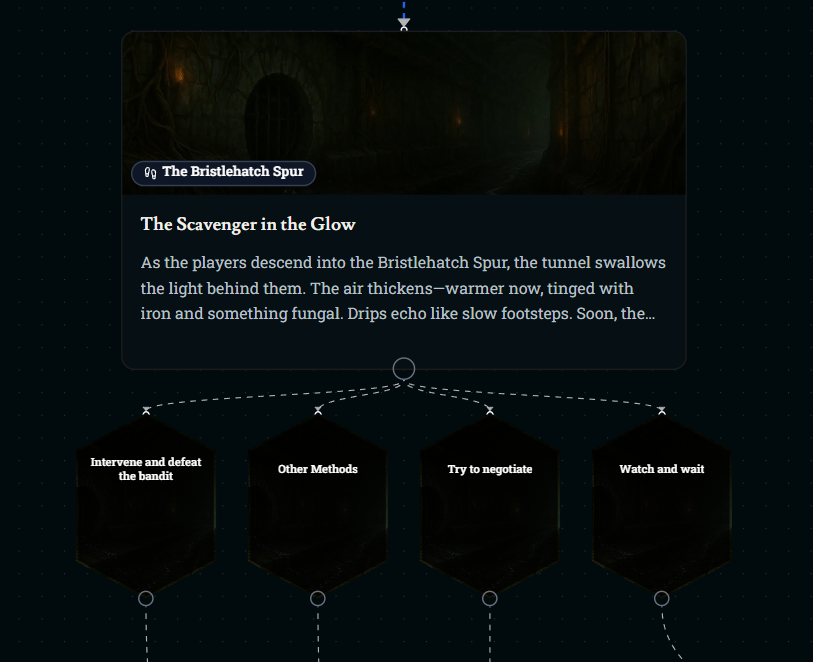
Quest steps are the core building blocks of a quest. Each quest step represents a distinct scene, objective, or plot moment within the quest. A step includes GM instructions that tell the AI how to run that part of the story, a specific location where the scene takes place, and customizable scene information like NPCs, monsters, items, or other elements. Steps can be linked together with branching paths that respond to player choices or triggers that allow for dynamic storytelling and multiple outcomes. The structure lets world builders create detailed and reactive narratives.
GM Instructions
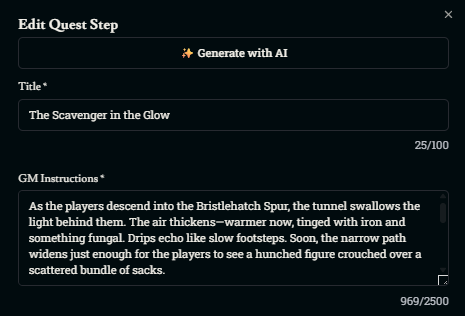
GM Instructions
These are written prompts that tell the AI GM how to narrate the scene.
Use them to guide how the AI:
Describes the setting and sensory details.
Handles NPC behaviors, reactions, or scripted moments.
You can write up to 2,500 characters per step.
GM Instructions can be simple or complex. It's up to you!
You can include:
Hints or suggestions for how Franz should guide the player.
Alternate paths or multiple directions a scene could take.
Step Location
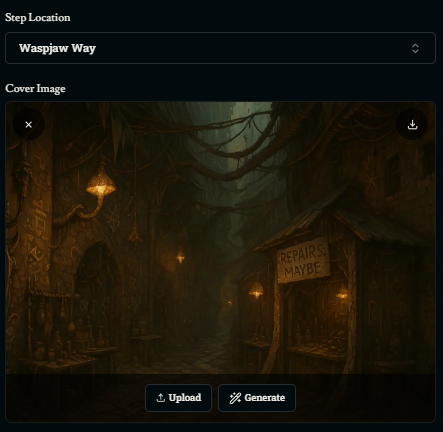
Step Location
Choose the exact place where each quest step happens.
Pick any location from your world to set the scene.
All steps can happen in one location, or move around to multiple locations across the map.
Arrival Scene Setup
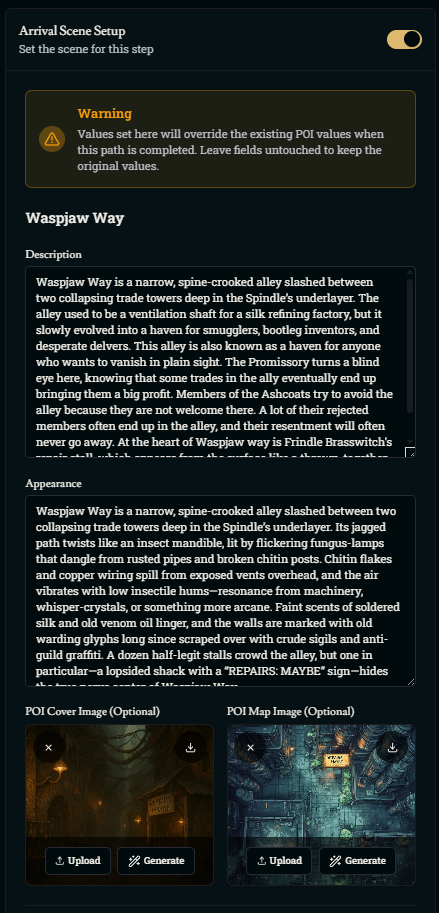
Arrival Scene Setup
This controls what players see and experience when arriving at a step location.
Include:
NPCs, monsters, items.
What's happening when they arrive (e.g., a fight, a quiet town square).
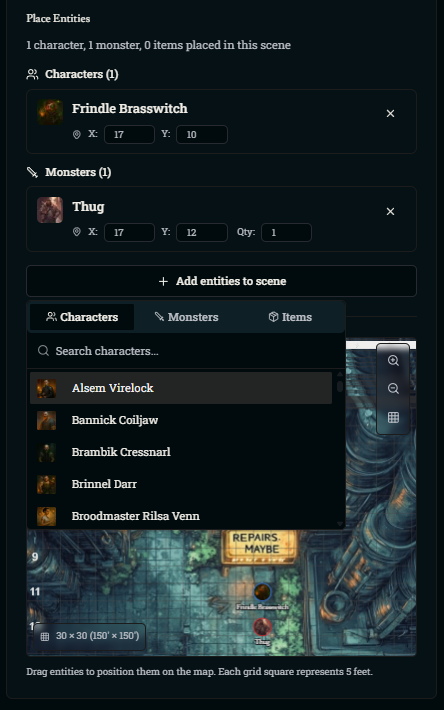
You can:
Change the description of the location.
Update the map and location image (e.g., make it night, show fire or destruction).
Add NPCs, monsters, and items to the map with the “Add entities to scene” button.
This helps players feel like the scene is alive and changing.
Quest Paths and Completion Scene Setup
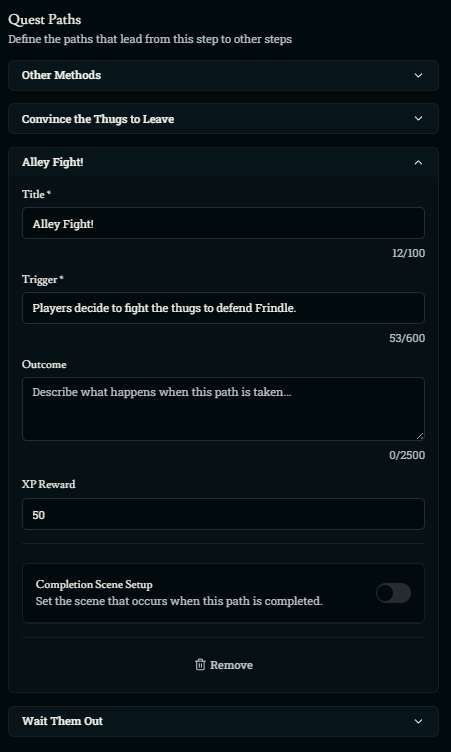
Quest Paths
Quest paths branch based on player choices or triggers.
Each path needs:
A Trigger – a condition players must meet to move on (e.g., pass a skill check).
An Outcome – what happens after the trigger (e.g., find a secret room, start a fight).
Use triggers and outcomes to guide players to the next step of the quest.
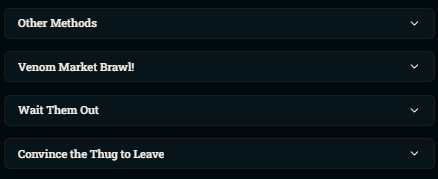
Common Patterns for Step Paths
Skill checks (like Perception, Deception, Athletics).
Player choices (fight, negotiate, sneak).
Environmental interactions (trap triggers, item use).
Moral decisions (save or abandon someone).
You can even leave it open with:
“Player finds a clever way to deal with the bandit” or “Player finds a clever way to get past the guards” – let the AI interpret and adapt!
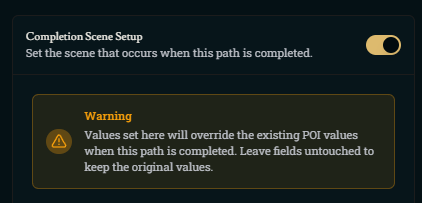
Works just like Arrival Scene Setup, but for after a step is completed.
Use it to change the same location the players are still in.
Example: If the players blow up a building, you can:
Update the map to show a crater.
Change the location image and text.
Helps show progress and consequences in real-time.
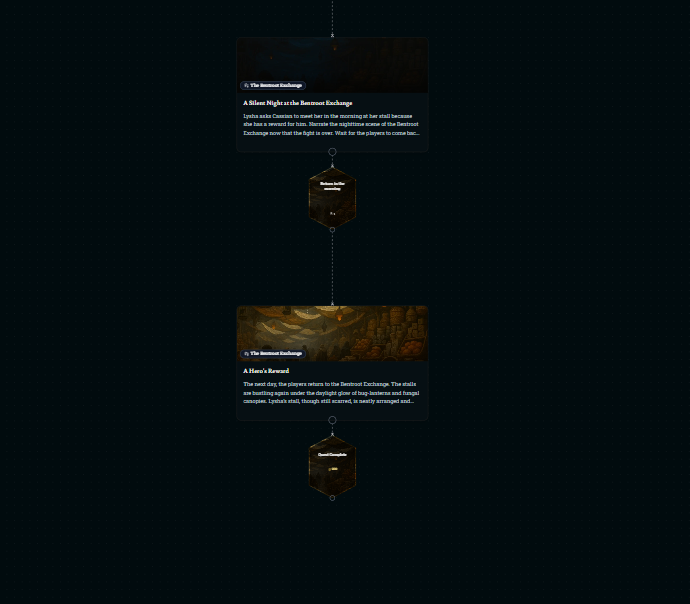
Concluding Your Quest
Wrap-up your quest with rewards, consequences, and the potential of new quests unlocked through prerequisites. When concluding a quest, be sure to make the player feel like what they've done matters.
You can also include branches where quests end early if players fail to complete their objective. For example, the players might be trying to retrieve an item, but they decide to let a bandit run off with it. This could trigger a quest completion where the player receives 60 experience and realizes that their quest has failed. This is a fun way to show players that their choices matter. But this doesn't mean that it's the end. The players can always chase after the bandit, and the AI can just generate a new quest for the players starting from there. It just shows the player that the World Builders quest could have continued on if they chose to do something different.
Was this helpful?