Creating a Character
Written By Pollution
Last updated 11 months ago
Characters are the heart of your campaigns. Whether you prefer to hand-craft every detail or let the AI handle the heavy lifting, the character creator gives you full control. From appearance and stats to spells, gear, and memories, everything you set here becomes part of your world and is automatically available to Franz during play. You can start simple and refine later, or build something fully realized right from the beginning.
Building From Scratch
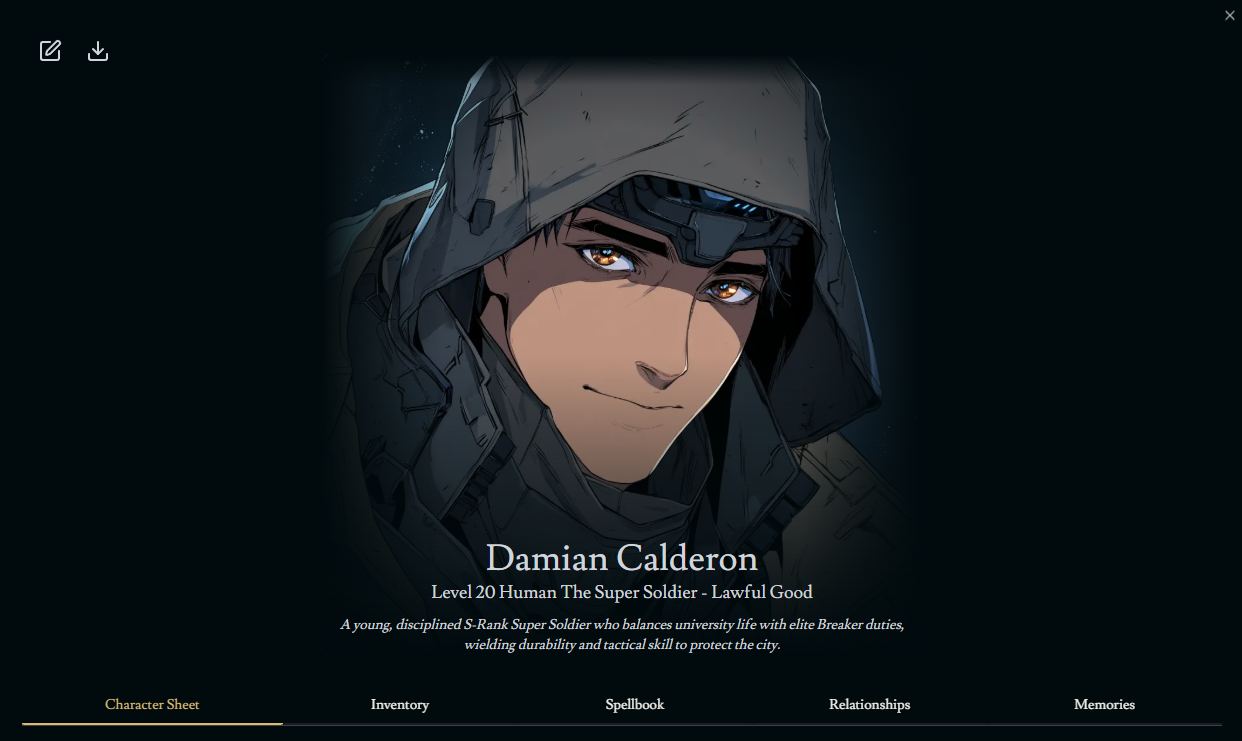
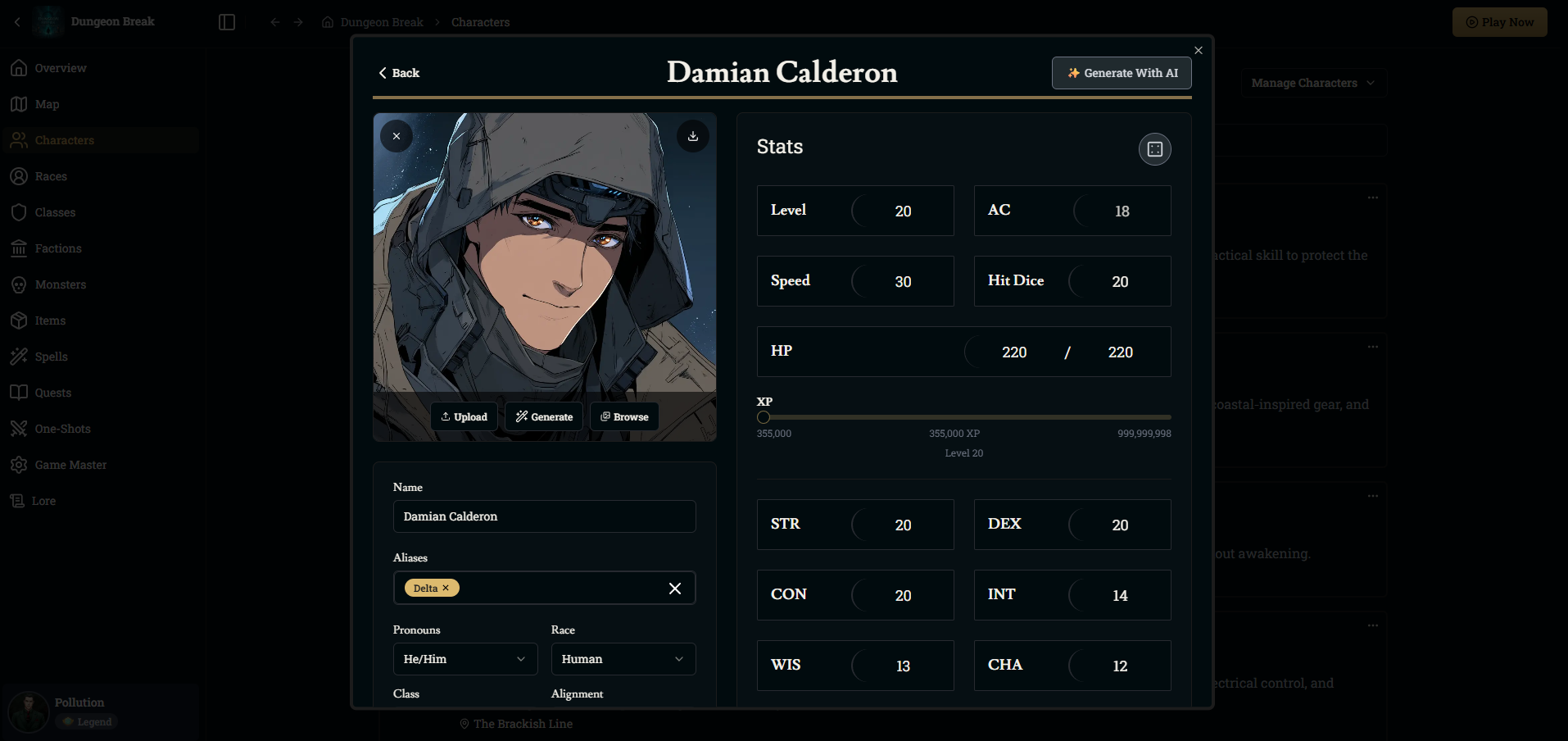
To build entirely by hand, open the Characters tab in your world or campaign and select Create New Character. This opens the full editor where you can upload an image, name your character, set pronouns and race, and choose a class and alignment. You can modify ability scores, HP (hit points), AC (armor class), speed, and any other stat directly. Appearance, backstory, personality, and mannerisms all support text descriptions and help Franz portray your character accurately during play.
If your character uses spells or abilities, you can manually add them to the spellbook. If they rely on gear, you can equip armor, weapons, and items right from the inventory tab. Every field you fill out becomes part of how your character behaves and how Franz references them in narration.
Generating Using AI
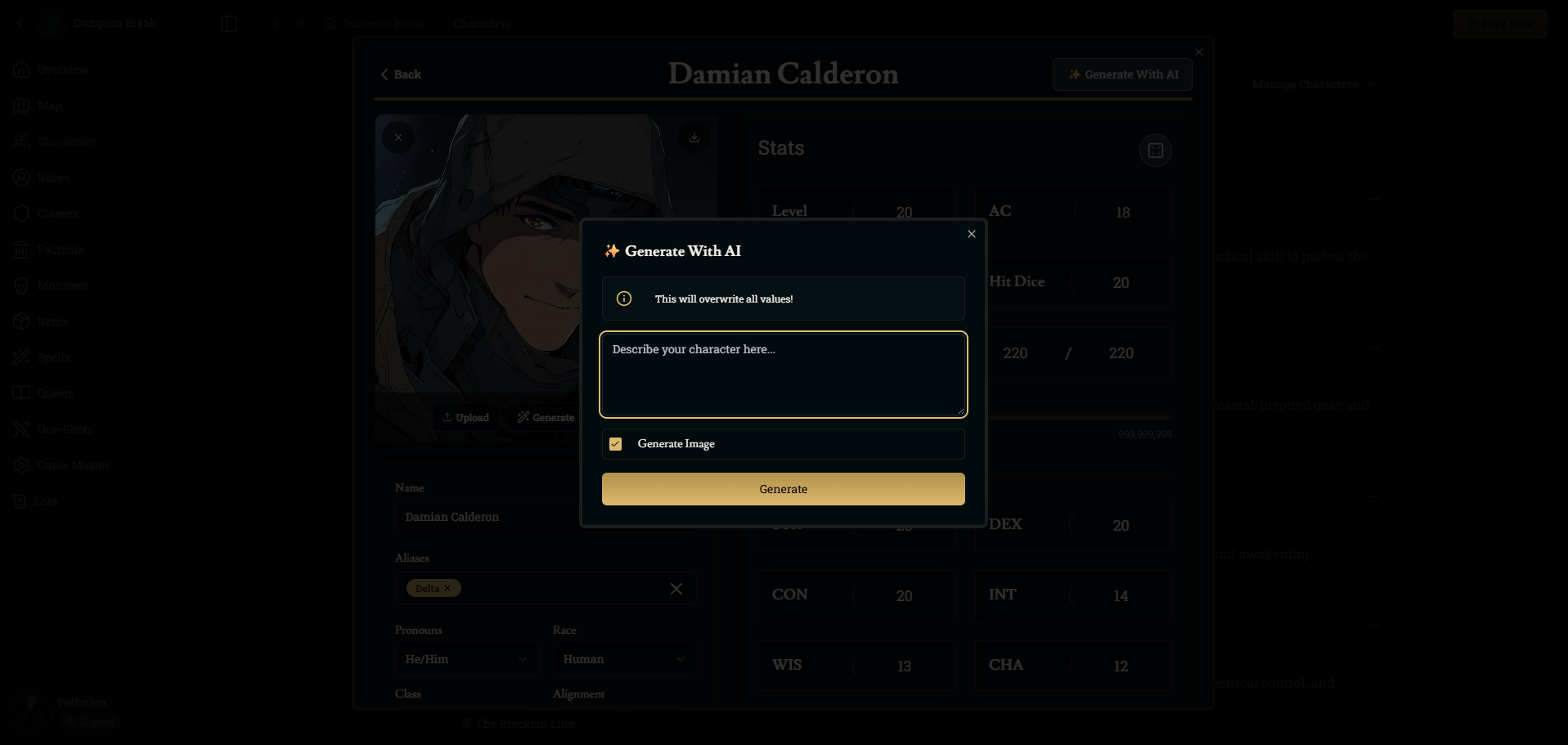
If you want help creating a full character quickly, use the Generate With AI button. You can describe the character you have in mind, or simply type a few keywords and let the system handle the rest. When this option is enabled, Franz will generate stats, background, appearance, abilities, and even a portrait if you leave Generate Image selected. This will overwrite your current values, so it’s best used when starting fresh or when you want a complete redesign.
AI generation is flexible, so write as much or as little detail as you want. Franz will fill in the rest with an organized, fully playable character sheet that you can edit afterward. If you have a specific level of play you’d like to start at, be sure to specify that when writing the instructions for generating your character.
Updating Inventory
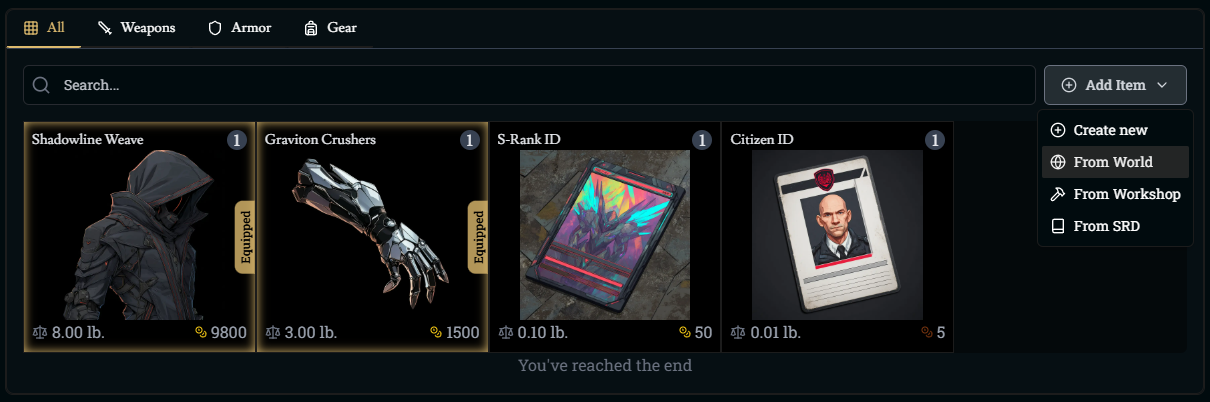
Your character’s inventory is fully editable at any time. From the Inventory tab, you can add items from the World, your Workshop, or the SRD. You can also create completely new items on the spot. Equipment such as armor, weapons, and gear can be equipped directly by selecting the item and clicking Equip. Equipping automatically updates relevant stats on the sheet. Some items increase your armor class, stats, or speed.
During gameplay, Franz will also update your inventory automatically when you pick up new items, spend gold, trade, or consume resources. If something is missing or incorrect, you can always adjust the inventory manually. Keep in mind that throwing an item at another NPC will remove the item from your inventory and you’ll find it on the ground when looking at the battle map.
Updating Spellbook
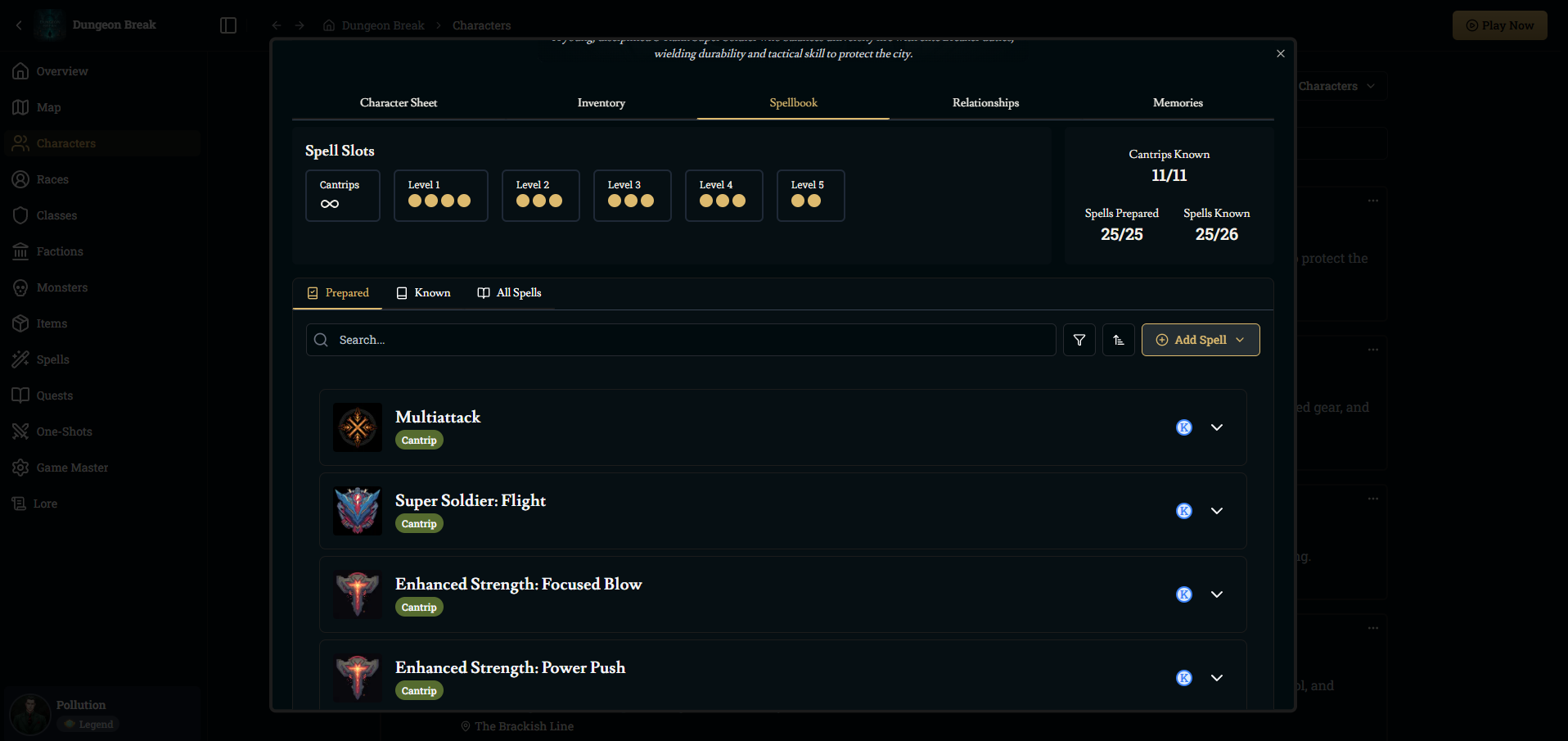
Your spellbook holds every spell and ability your character can learn or prepare. You can search for spells, add custom spells, or import spells to the world. Each entry can be expanded to show descriptions, rolls, and casting details.
When you add a spell or ability, pressing the K icon marks it as Known. Wizards and other preparation-based casters also need to press the P icon on spells they want Prepared before they can cast them. You can freely switch known and prepared spells outside of encounters, giving you flexibility while building your character.
Generate While Playing
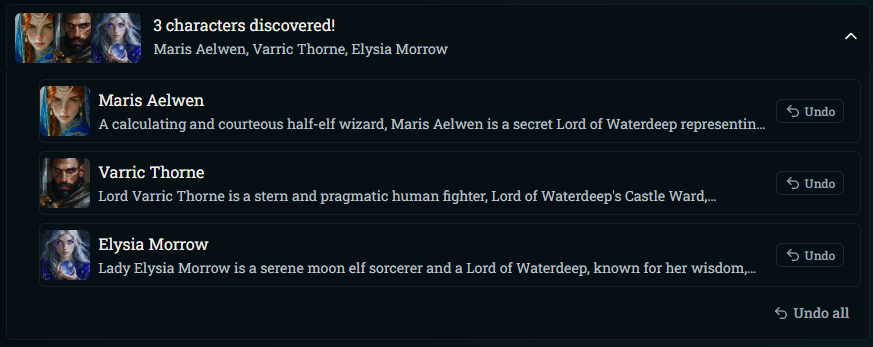
As you play, Franz will automatically create NPCs that your character meets or learns about. Named NPCs you encounter in dialogue, exploration, or narration will appear in the campaign’s NPCs list with generated appearances, classes, stats, and personalities that match the world. These characters persist across scenes thanks to the updated memory and planning systems, allowing them to grow and evolve over the course of your story.
If you prefer to take control, you can open any generated NPC and edit their details, add lore, adjust relationships, or customize how Franz should portray them in future scenes. If you really like an NPC, you can even play as them in your game or save them to your workshop to play with later.
Was this helpful?