Creating a Subclasses
Written By Pollution
Last updated 11 months ago
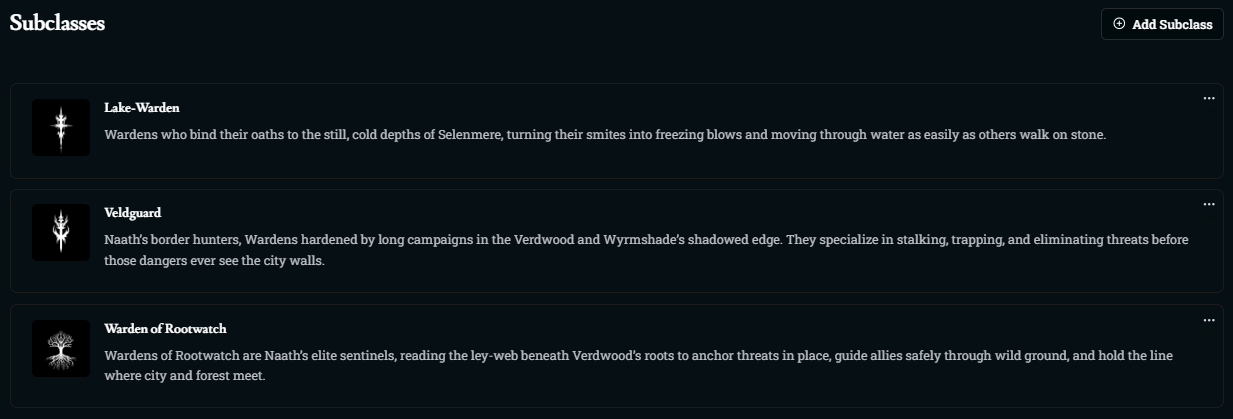
Creating Subclasses
Subclasses let you specialize a class into different playstyles—tankier versions, stealth experts, support casters, and more. Each subclass sits under a base class and adds its own flavor through spells and features.
Subclass Builder
Open your class.
Click the Subclasses tab on the bar.
Select Add Subclass to create a new one, or click an existing subclass to edit it.
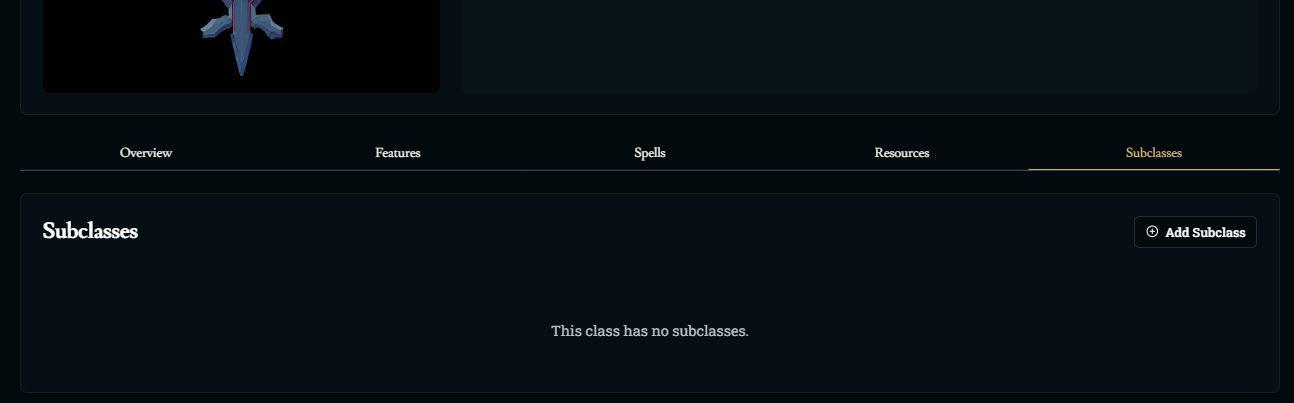
At the top of the editor you can set:
Subclass image (Upload or Generate)
Subclass Name
Description
Generating a Subclass With AI
Just like with classes, you can use Generate With AI in the top-right corner of the subclass editor.

Click Generate With AI.
Type a short prompt describing the subclass fantasy and role
Click Generate
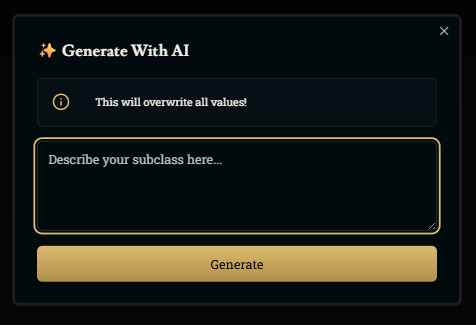
The AI can fill in:
Name, image, and description
Spellcasting settings and spell progression
Extra subclass spells
Subclass features at various levels
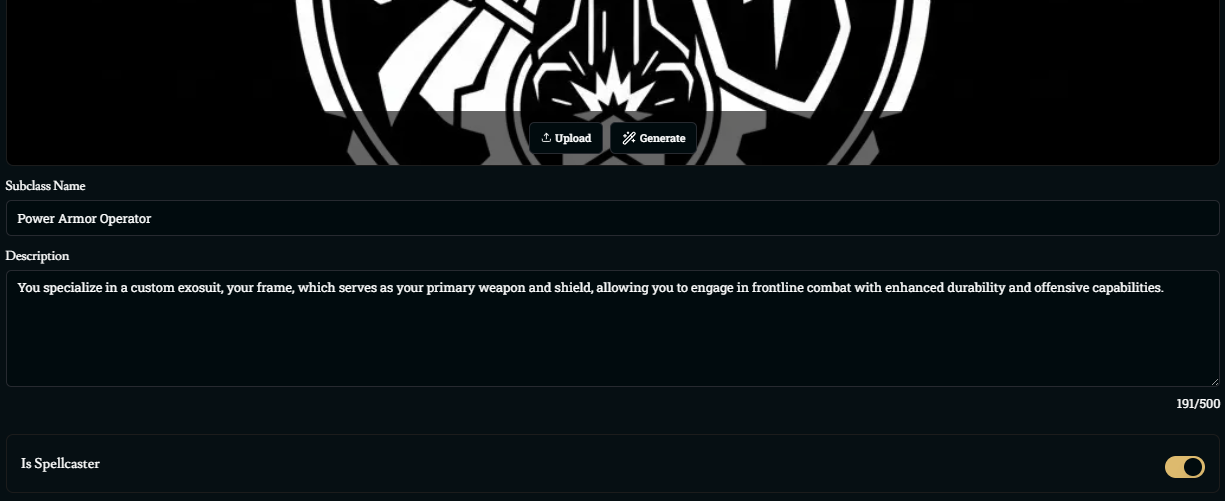
After generation, you can freely adjust any part of what was created.
Spellcasting in Subclasses
Subclasses can adjust or add spellcasting on top of their base class.
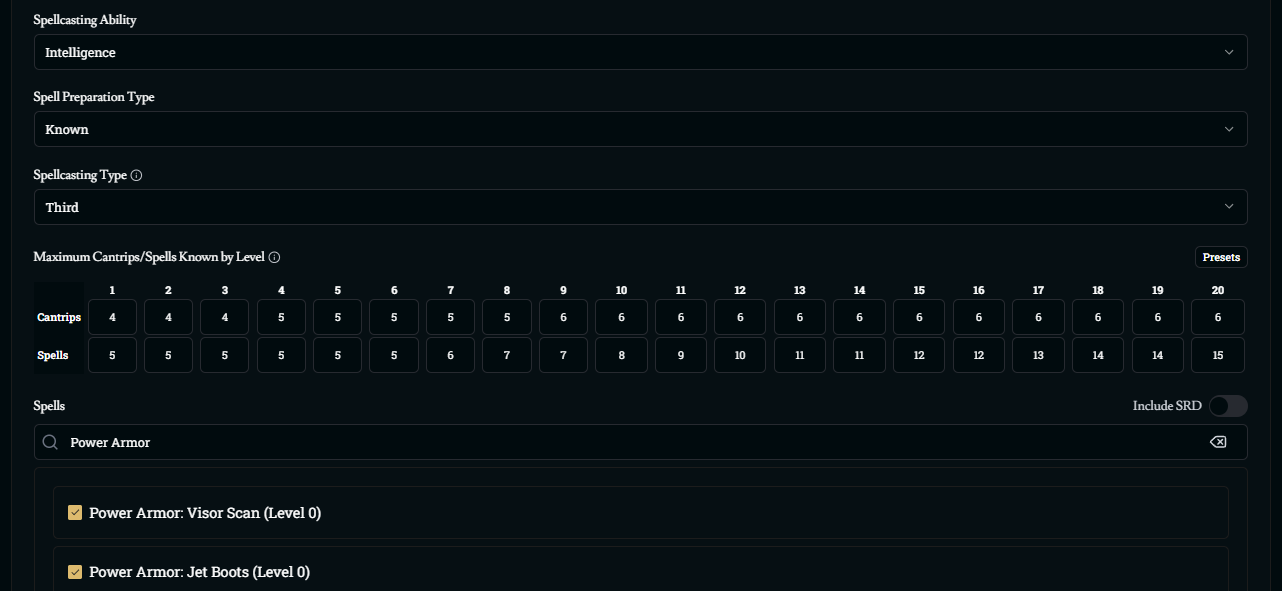
Spellcasting Settings
Inside a subclass, you can:
Toggle Is Spellcaster on or off
Choose a Spellcasting Ability (Intelligence, Wisdom, Charisma, etc.)
Set Spell Preparation Type (Prepared vs Known)
Set Spellcasting Type (None, Third, Half, or Full)
These settings affect how characters of this subclass handle spells in play.
How Subclass Spellcasting Interacts with the Base Class
There are two separate pieces to keep in mind:
Spells Available (Spell List)
Any spells you add in the subclass are added on top of the base class’s spell list
The base class spells still count as class spells for characters of this subclass
Subclass spells do not erase or replace spells from the parent class, they just expand the options
Spellcasting Progression (Slots, Cantrips, and Spells Known)
The Spellcasting Type in the subclass (for example, “Third” vs “Half”) determines the progression for characters using that subclass
The Cantrips/Spells Known by Level grid in the subclass overrides the class’s grid for characters of that subclass
This means:
If the base class had no spellcasting and the subclass enables spellcasting, the subclass values are used
If the base class was a Third caster and the subclass changes it to a Half or Full caster (or adjusts how many spells are known), the subclass values take priority
In short: spell lists stack, but progression settings (slots and amounts known) follow the subclass.
Click here if you want to know more about spells.
Subclass Features
Subclass features are the level-based abilities that define what the subclass actually does.
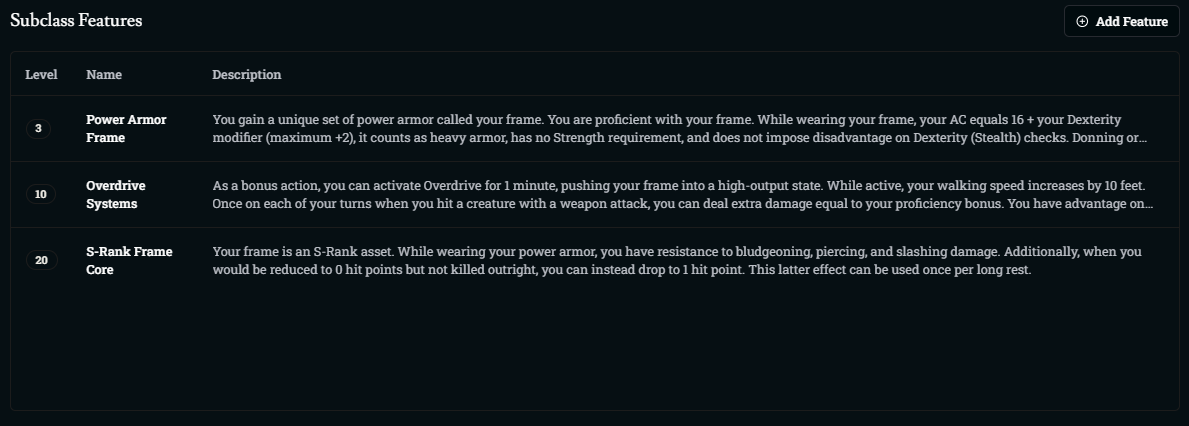
In the Subclass Features section you can:
Click Add Feature to create a new feature
Click an existing feature to edit it
Each feature includes:
Level – The character level where this feature is unlocked
Name – The feature’s title (for example, “Power Armor Frame”)
Type – Passive (always on) or Active (used at specific times)
Description – The rules for how the feature works and when it applies
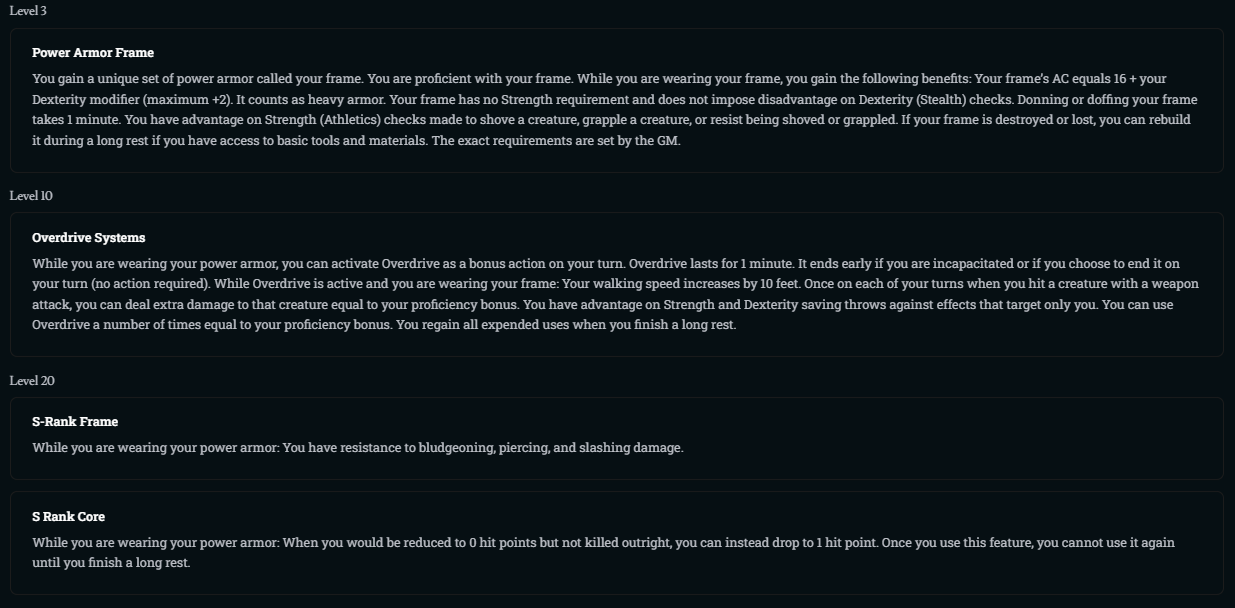
Features are granted when the character reaches the appropriate level in that class, starting from the Subclass Level set on the base class (for example, level 3). When a character chooses a subclass, its future features are locked in and will unlock as they level.
Was this helpful?